Checkout the Sample Apps
SwiftUI
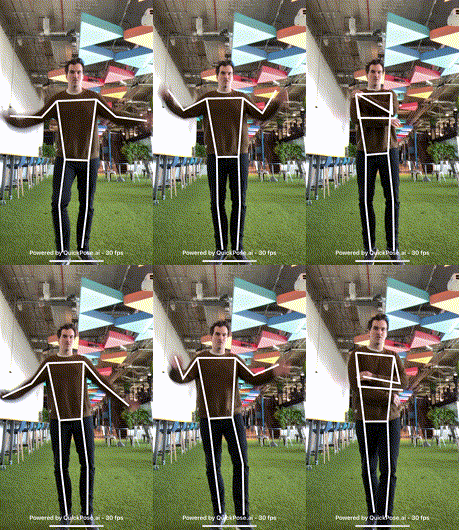 | 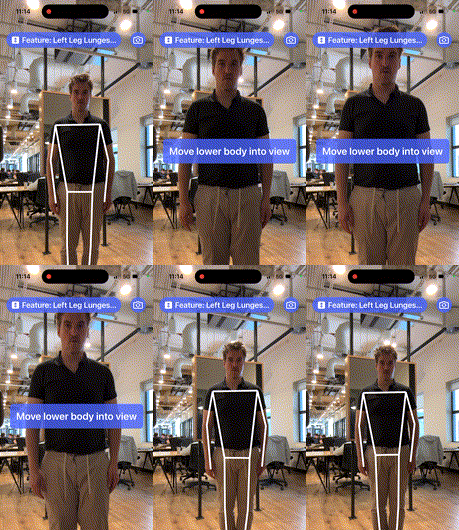 | 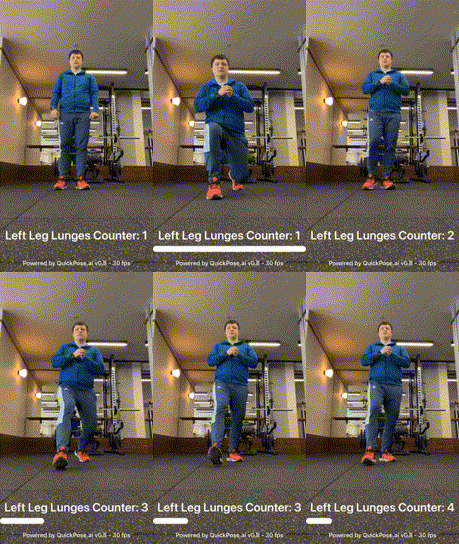 | 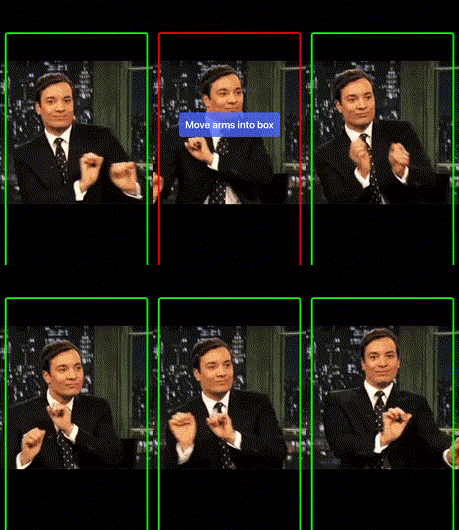 | 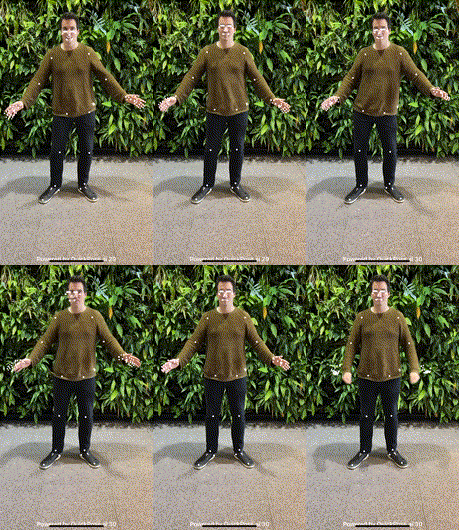 |  |
|---|---|---|---|---|---|
| Basic Demo | Feedback Demo | Counter Demo | Inside Box | Landmarks Demo | Styling Demo |
Jetpack Compose
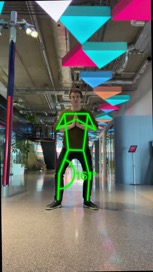
| |  |
|---|---|---|
| Basic Demo (Activity) | Basic Demo (Function) | Styling Demo |
Android XML
| |
|---|---|
| Basic Demo | All Features Demo |
React Native
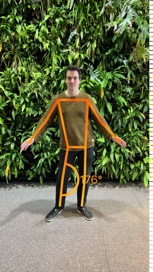 | |
|---|---|
| Feature & Styling Picker | Counter Demo |
The Feature & Styling Picker lets you toggle every overlay style option live — line caps, dash/dot patterns, shadow, glow, outline, image fill, custom fonts and letter spacing.
Working With Video
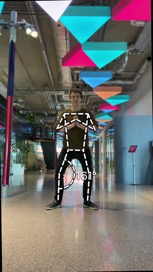
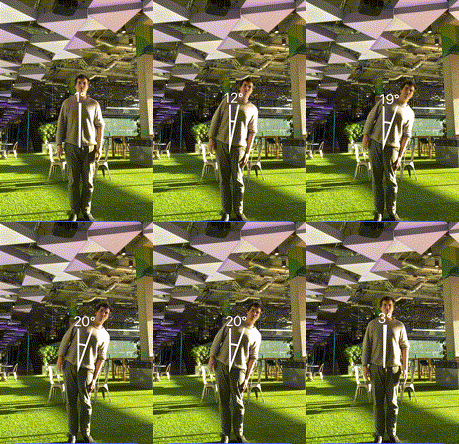 |  | 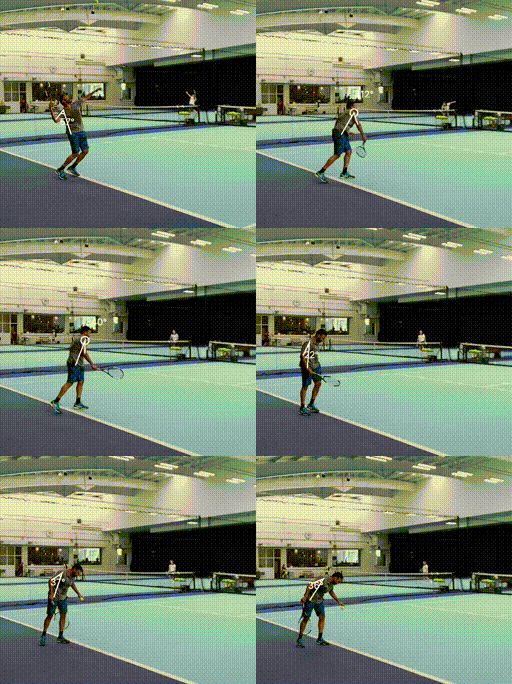 |
|---|---|---|
| SDK Recording | OS Recording | Post Processing |
Product Demo
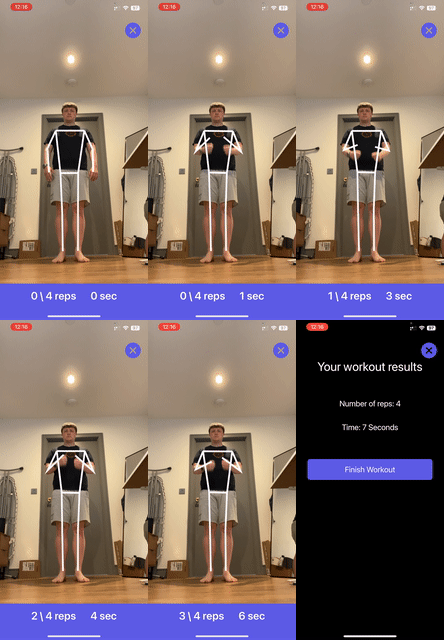 |
|---|
| FitCount App |
Legacy
| |
|---|---|
| Cocoapods Demo | UIKit Demo |
Deep Dives
 |  |
|---|---|
| Squat Counter Demo | Range of Motion Demo |
Running the iOS Sample Apps on Newer Macs M1/M2
The machine learning library requires access to a device's GPU and so currently doesn't support any simulators. For Silicon Macs you can run on the mac itself with the following steps:
Step 1: Download/Clone Repo
Step 2: Open Basic Demo
Step 3: Choose Build Target "My Mac (Designed For iPad/iPhone)"
Step 4: Run
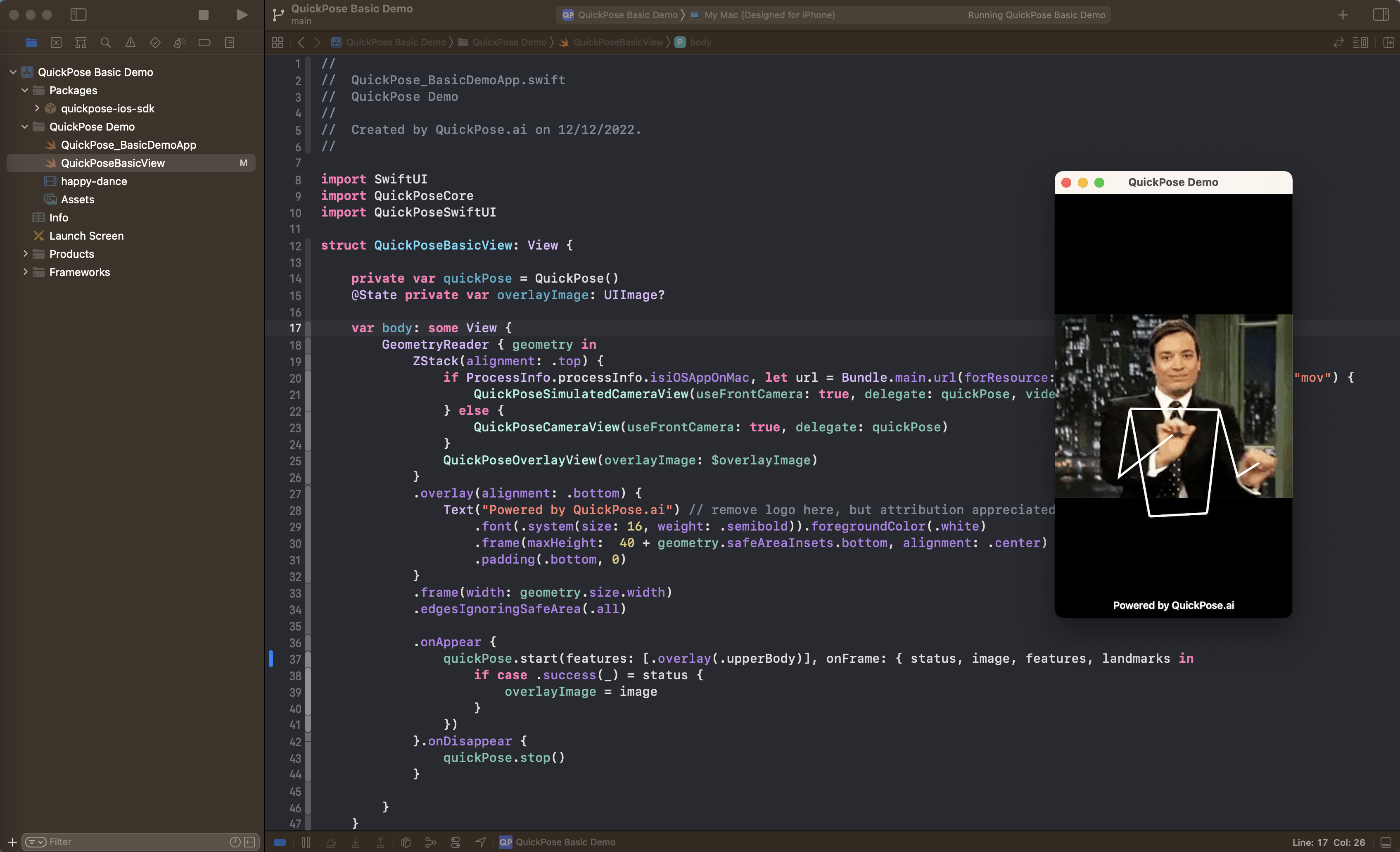
Step 5: Explore the features and returned results
quickPose.start(features: [.overlay(.upperBody)], onFrame: { status, image, features, guidance, landmarks in
    if case .success(_,_) = status {
        overlayImage = image
    }
})
Running the iOS Sample Apps on Older Intel Macs
The machine learning library requires access to a device's GPU and so currently doesn't support any simulators. For Intel Macs you can run on a physical device with the following steps:
Step 1: Download/Clone Repo
Step 2: Open Basic Demo
Step 3: Choose Build Target as your physical device
Step 5: You will need to change the bundleid and register with apple if you haven't already.
Step 5: Run
Step 6: Explore the features and returned results
quickPose.start(features: [.overlay(.upperBody)], onFrame: { status, image, features,  guidance, landmarks in
    if case .success(_,_) = status {
        overlayImage = image
    }
})